
Password Reset

Mar 11, 2026
 24
24
You have two options:
-
If you’re logged in:
-
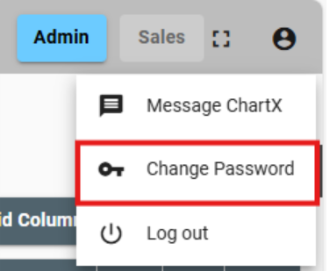
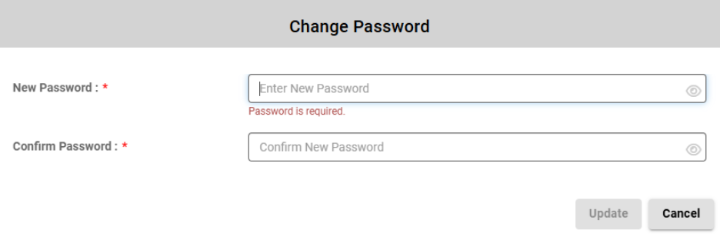
Click the profile icon at the top right of your screen, then select Change Password from the dropdown. A pop-up will appear where you can update your password.

-
If you’re logged out:
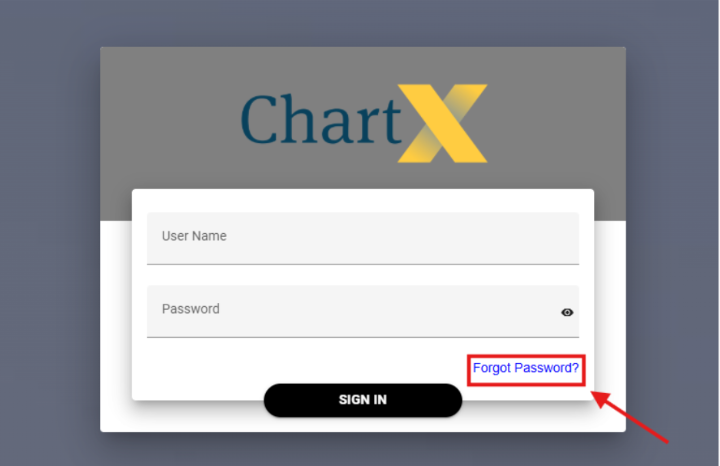
On the login page, click Forgot Password at the bottom. Enter your unique username (not your email address) as provided by ChartX. You’ll receive an email with instructions to reset your password. Once updated, you can log back in.