

 0
0
The ChartX portal allows you to draft requests and save them for payment at a later time, this is by using the Cart. Note: the request will not be sent to the provider until the digital download fee has been paid.
When making a request, if you abandon a request from the confirmation page, your request will be saved in the Cart.
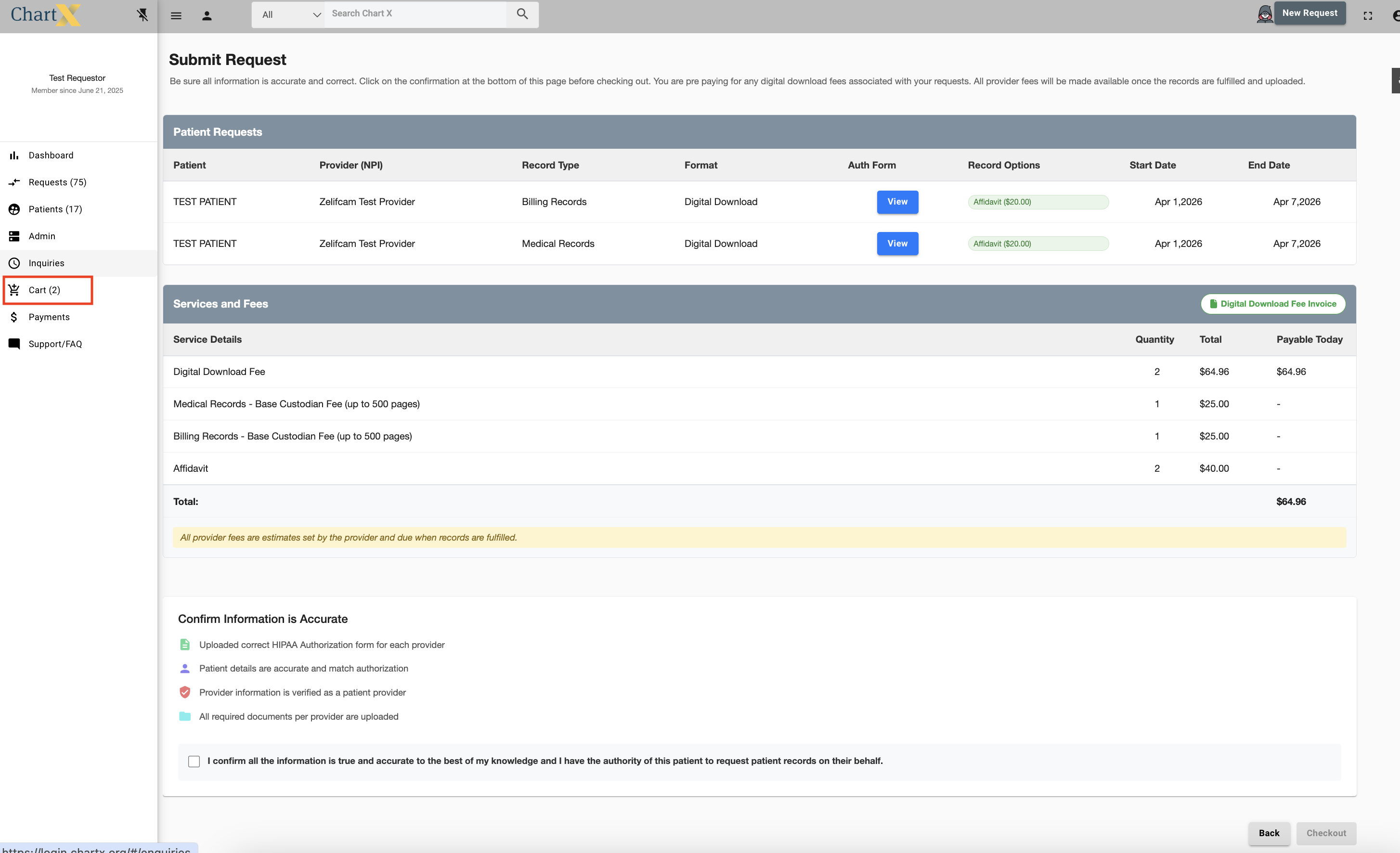
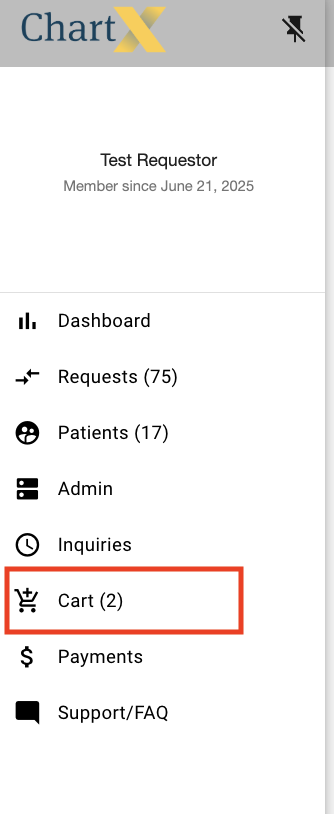
You can access the cart from any screen by clicking the Cart on the left side of your screen in the portal.
From the Cart you are able to select and deselect which requests you would like to continue working on.
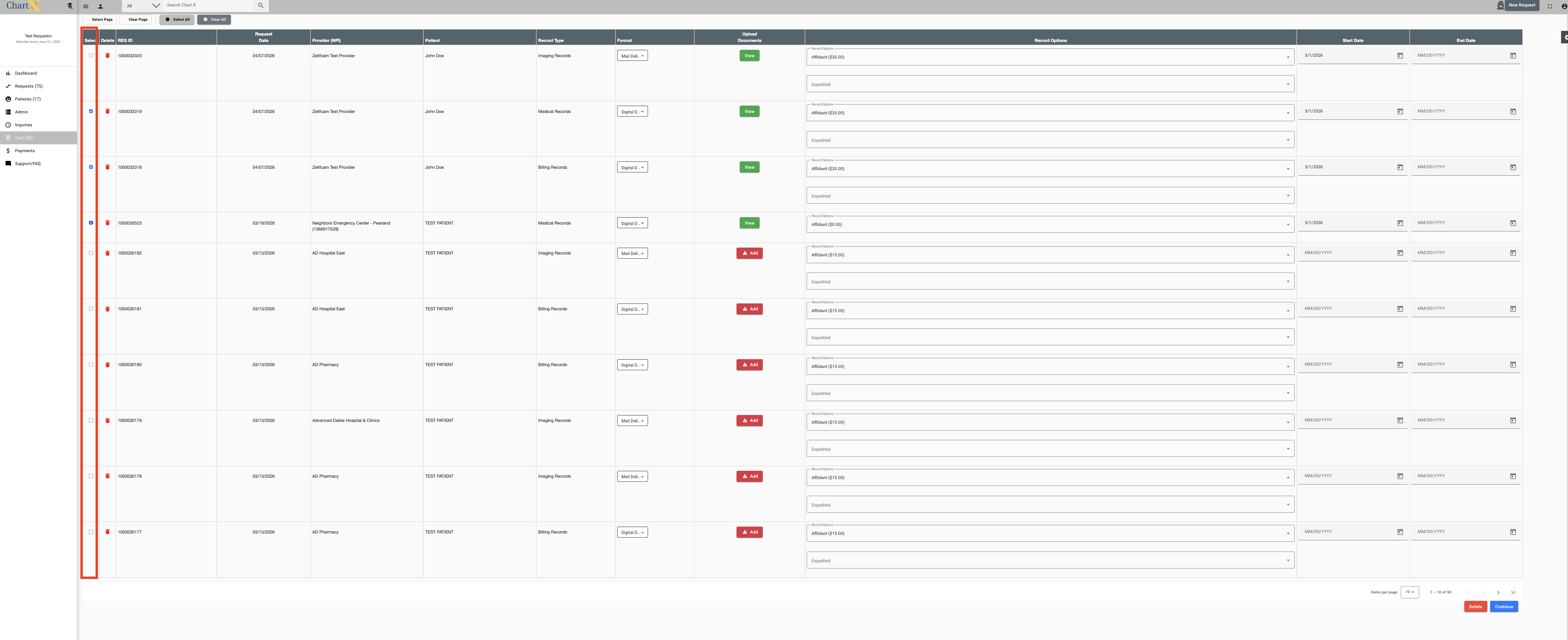
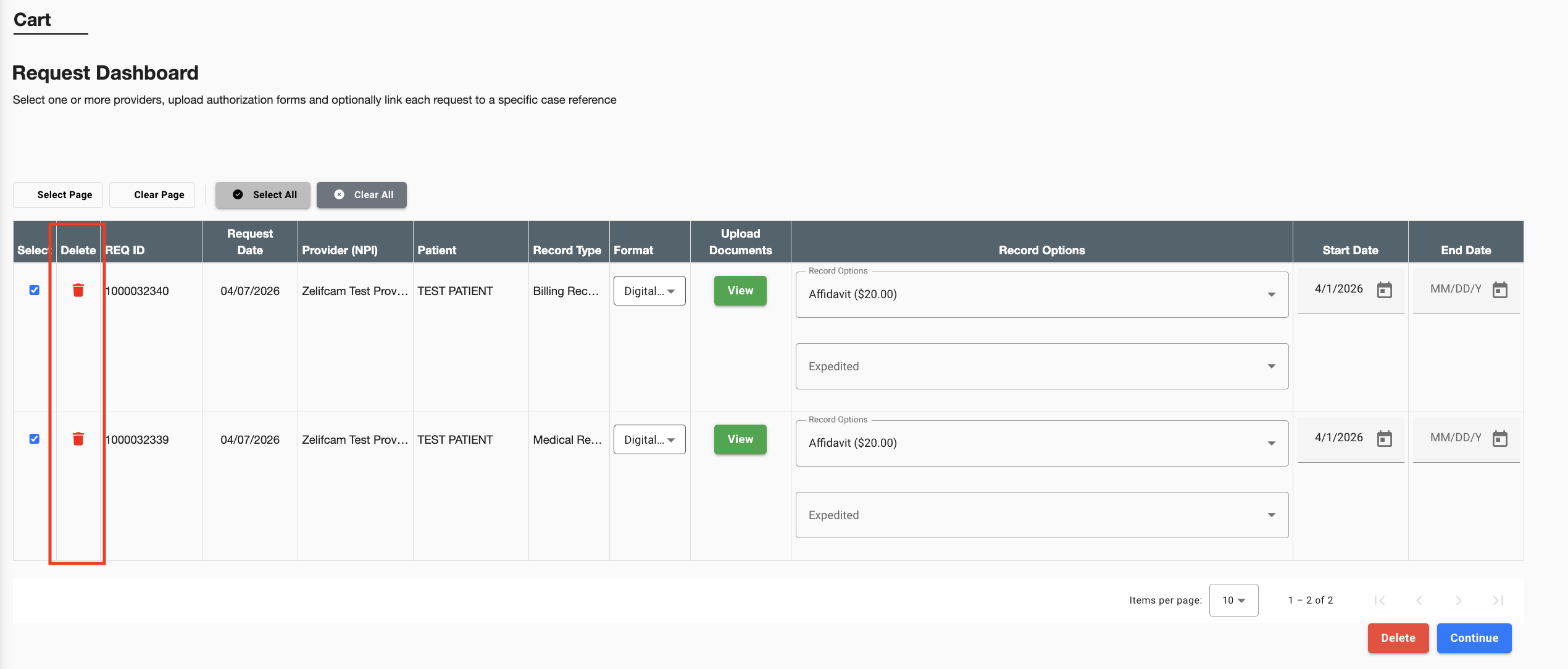
You can permanently delete requests from the Cart.
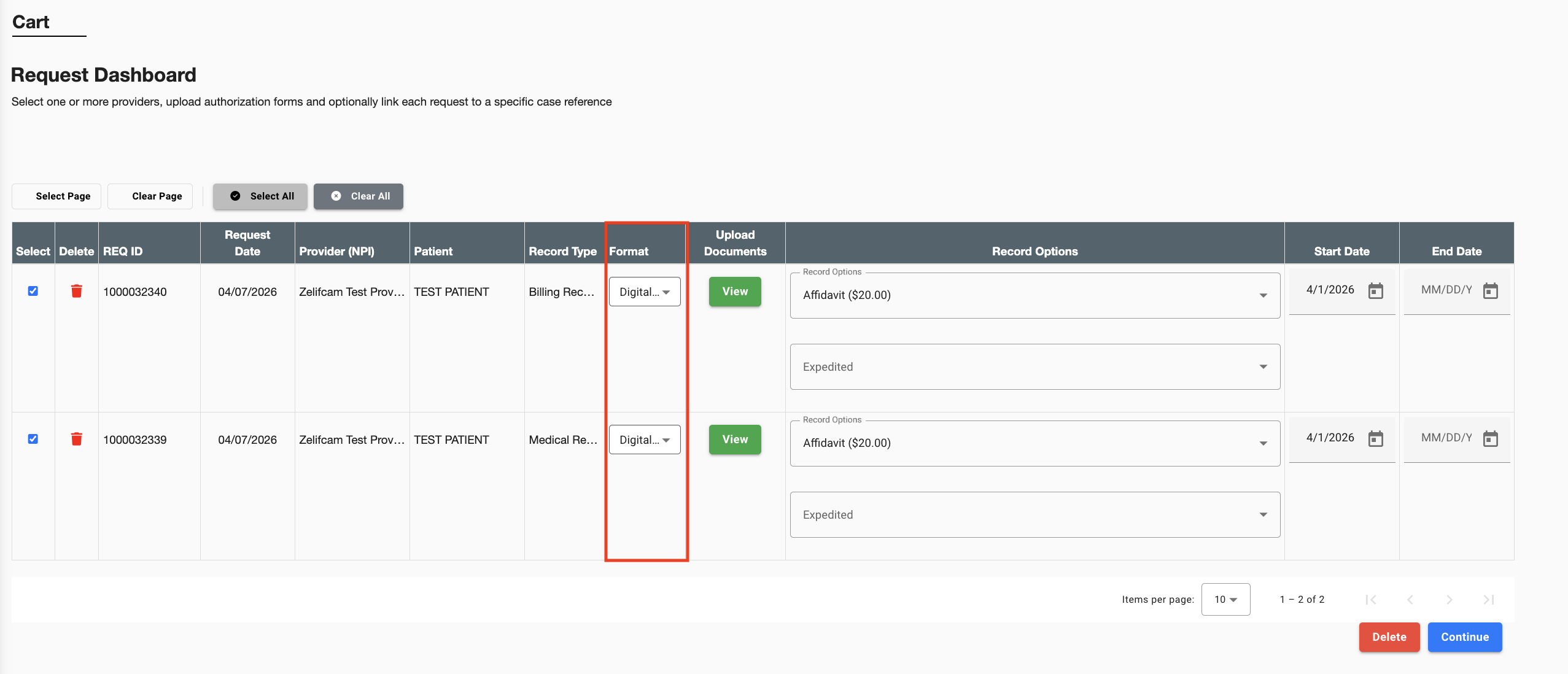
You can select your delivery format - Mail or Digital
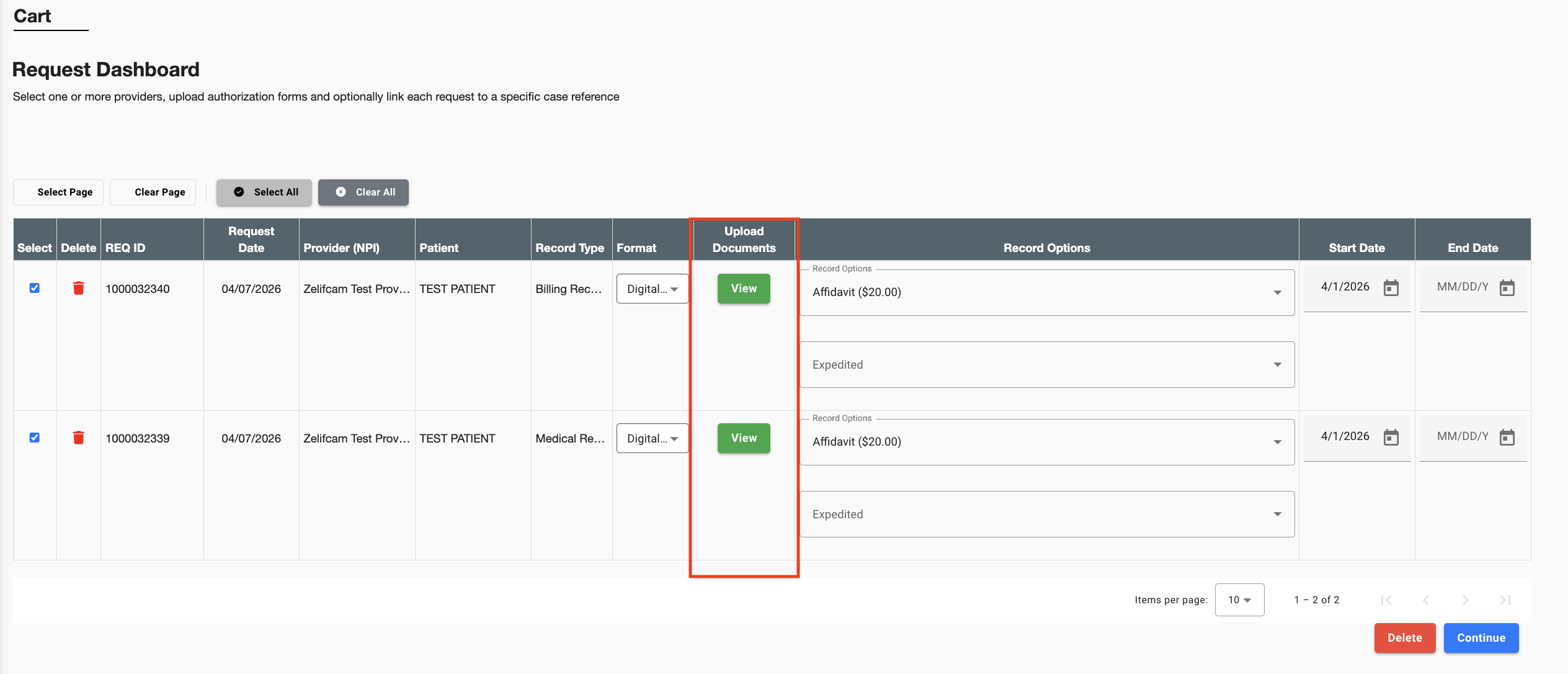
You can upload additional documents. Note: An authorization must be upload per record request.
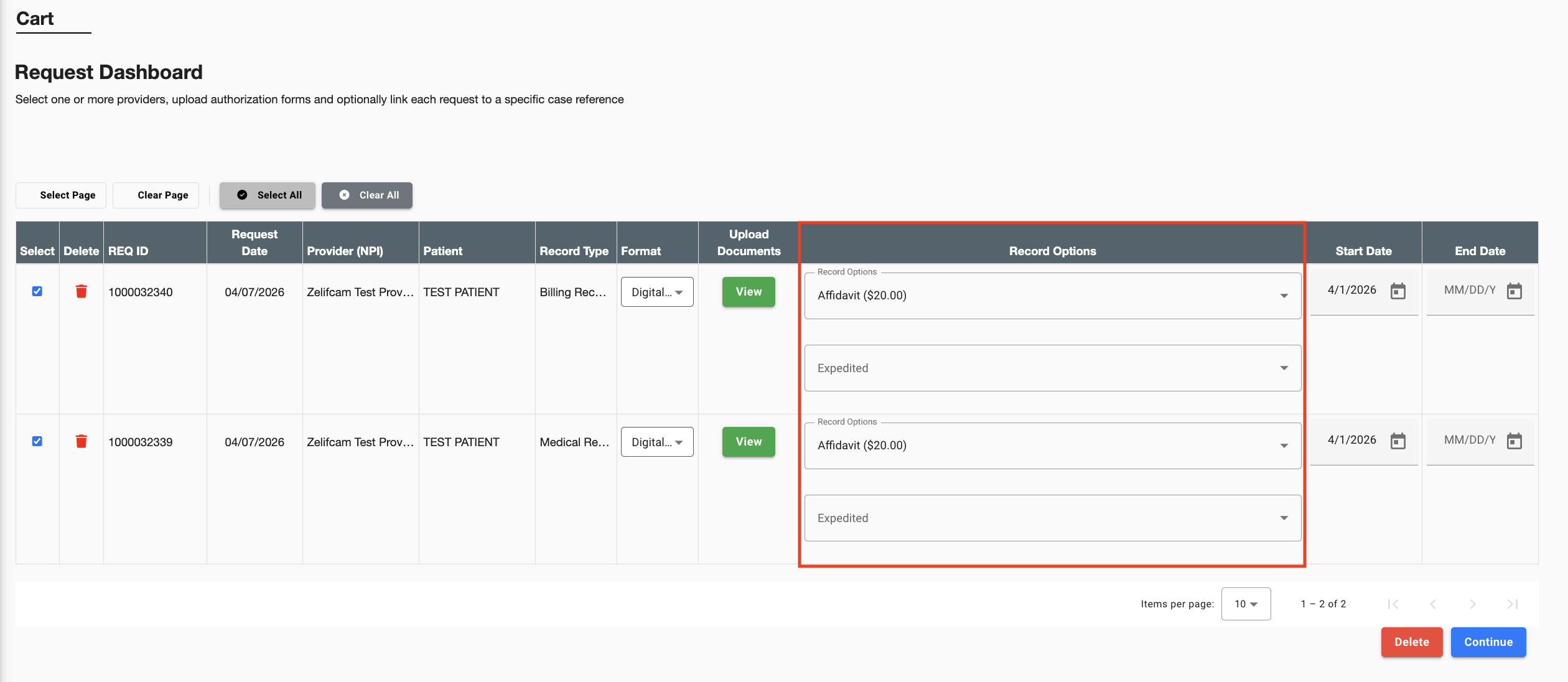
You can select different Record Options that are set by the provider.
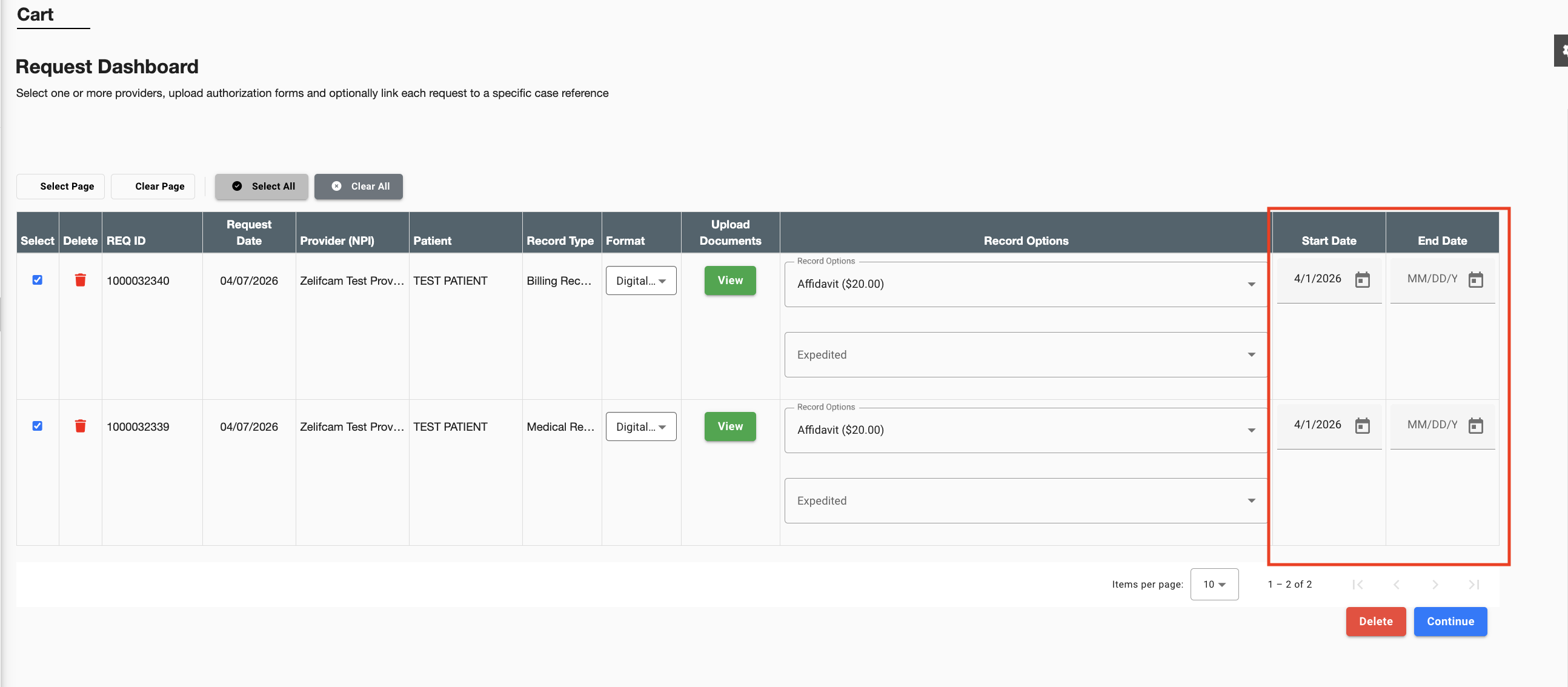
Lastly, you must add a dates of service Start Date. You can add an End Date, but i fyou leave it blank it will default to the current date.
After you have selected all of the appropriate information, click Continue.
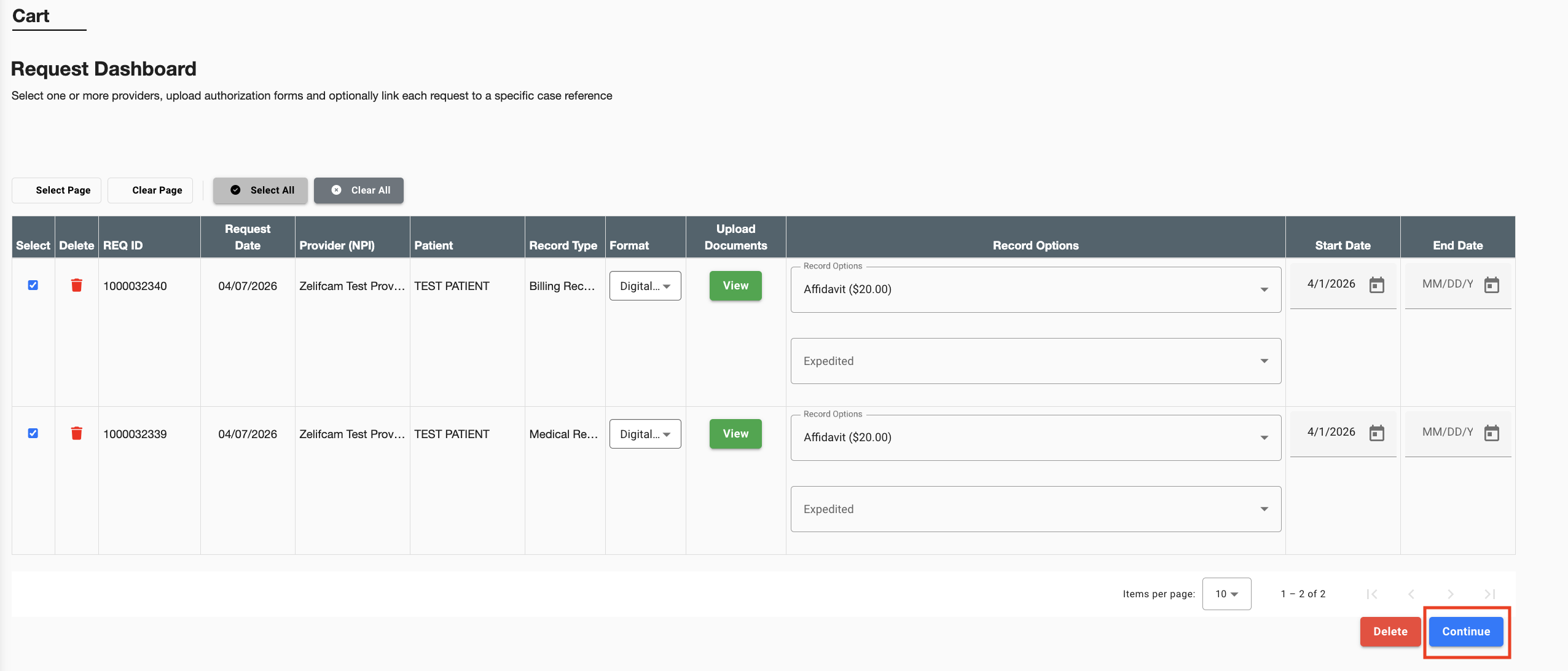
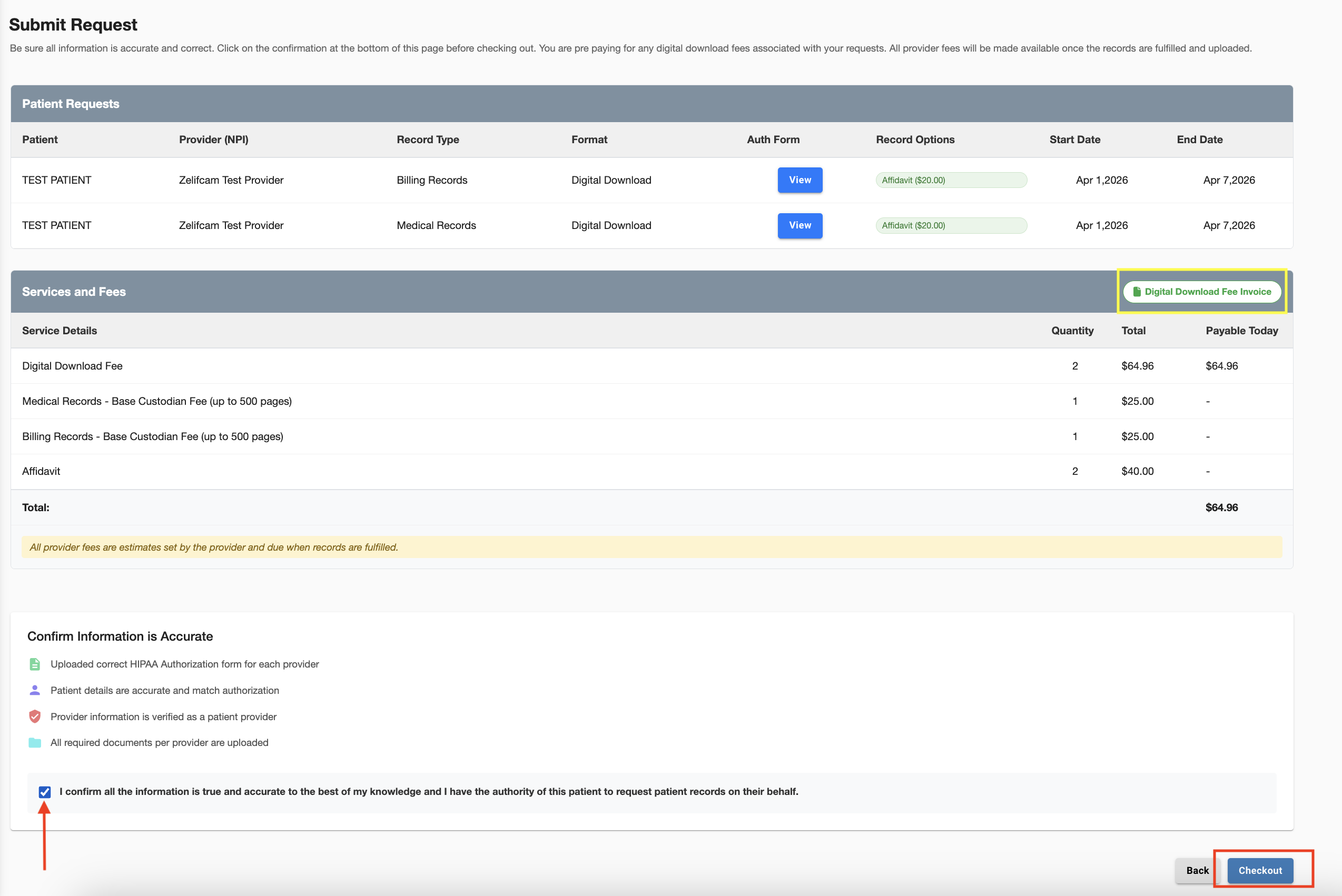
This will take you to the confirmation screen. You can download an invoice, confirm you record request and pay for those requests.