
Downloading Your Records

Mar 25, 2026
 29
29
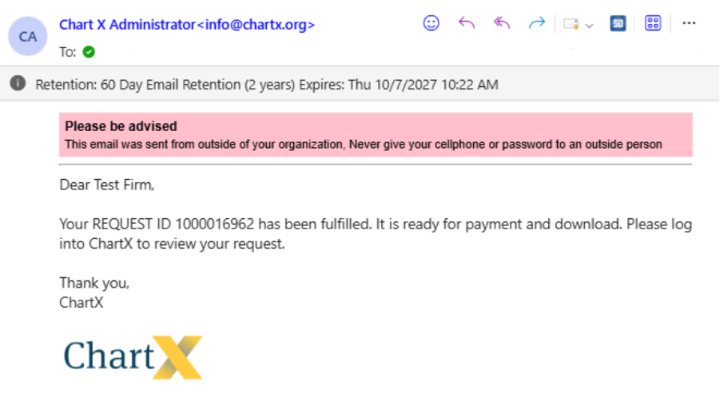
You’ll receive an email when your request is ready. In the portal, fulfilled requests appear in green.
Click the REQ ID.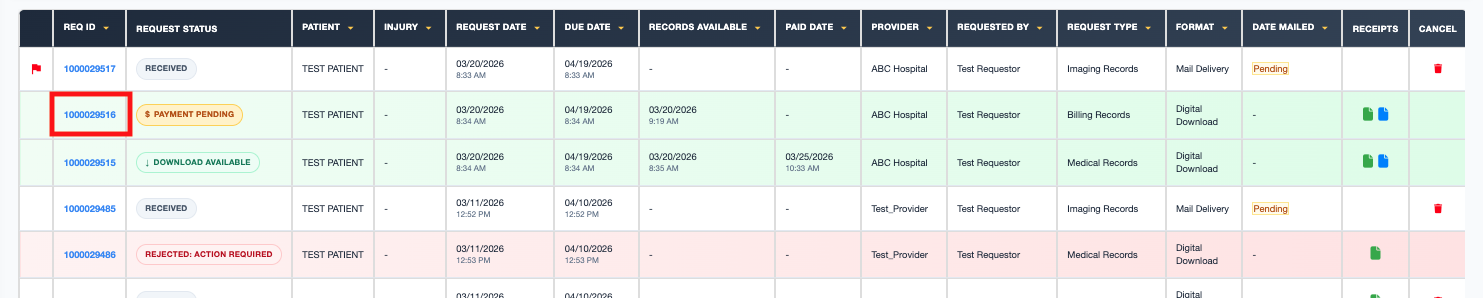
Complete payment.
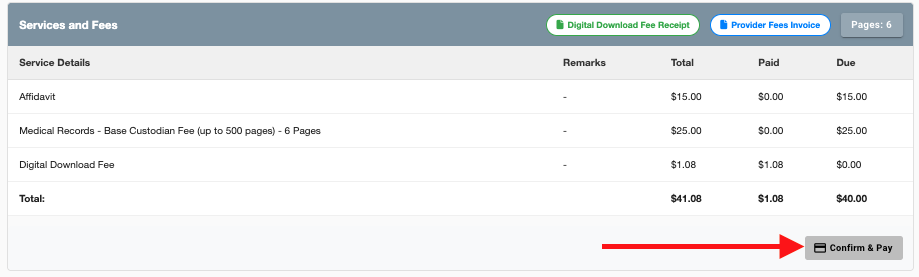
Once you have paid, the Request Status will change to Download Available.
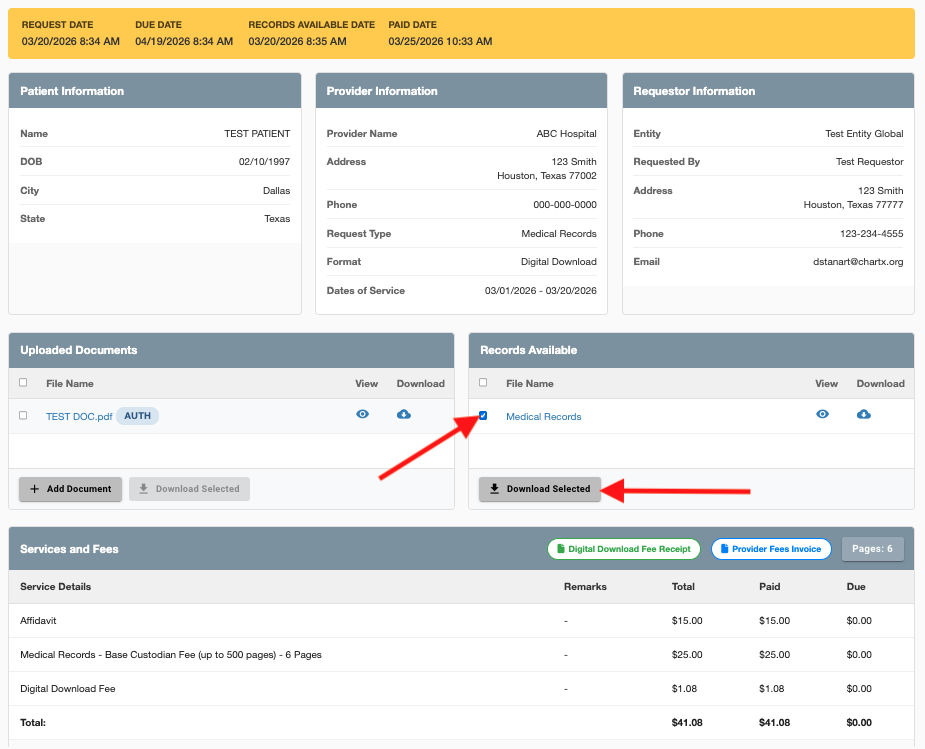
Click on the REQ ID to reopen the request. Select the records you want to download by checking the box next to the title. Then click Download Selected.