

How do I Resolve a Rejected Request?

Jun 05, 2026
1714

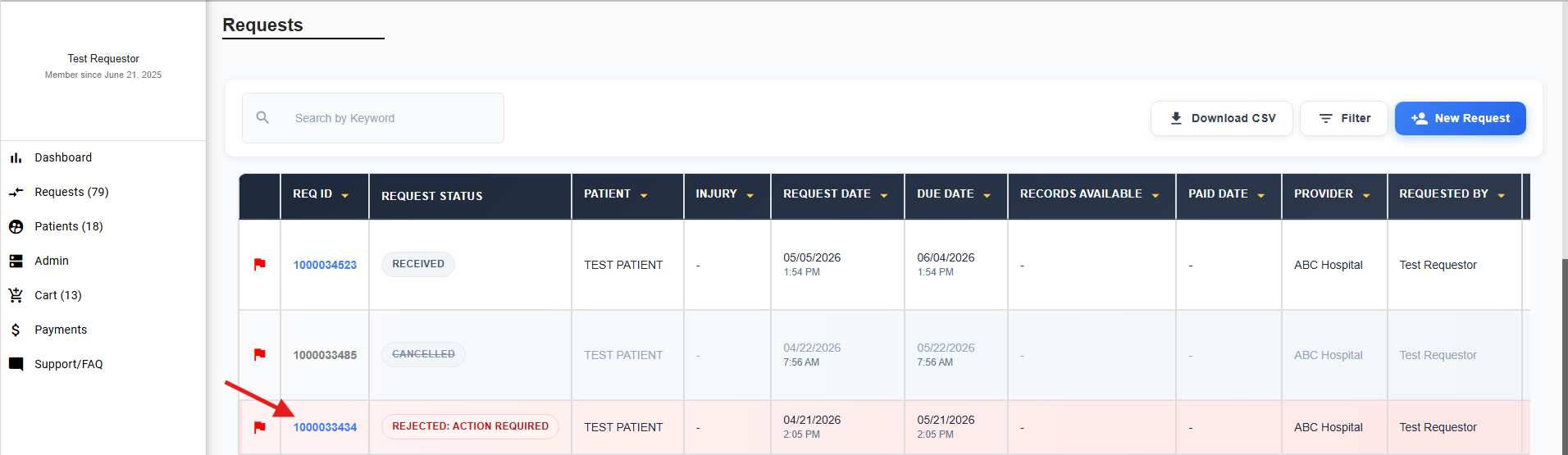
Log in and navigate to the Requests page. Any rejected requests will be highlighted in red. Click the Request ID to view the rejection reason.
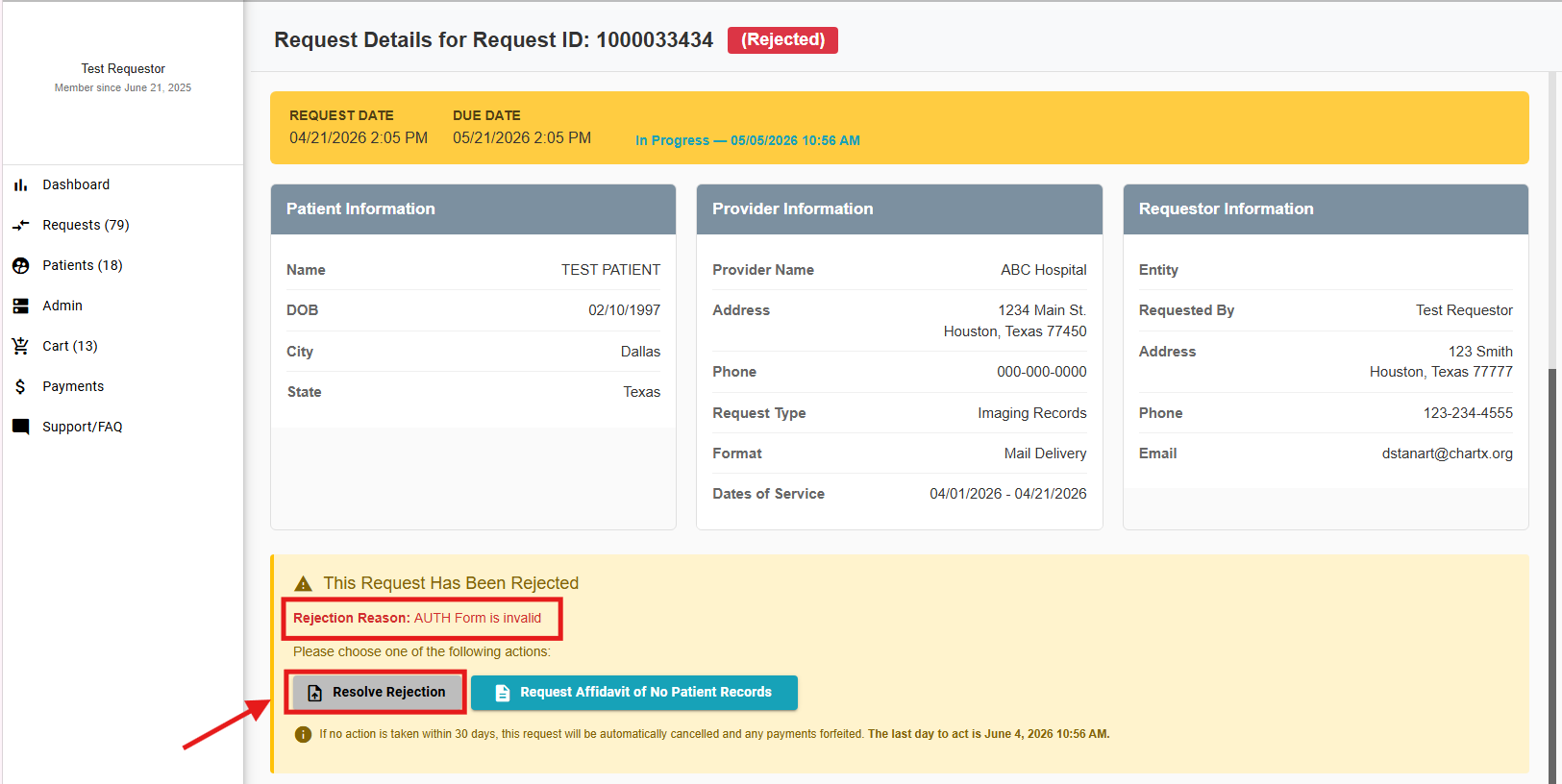
Click Resolve Rejection to upload a missing document or correct any necessary details.
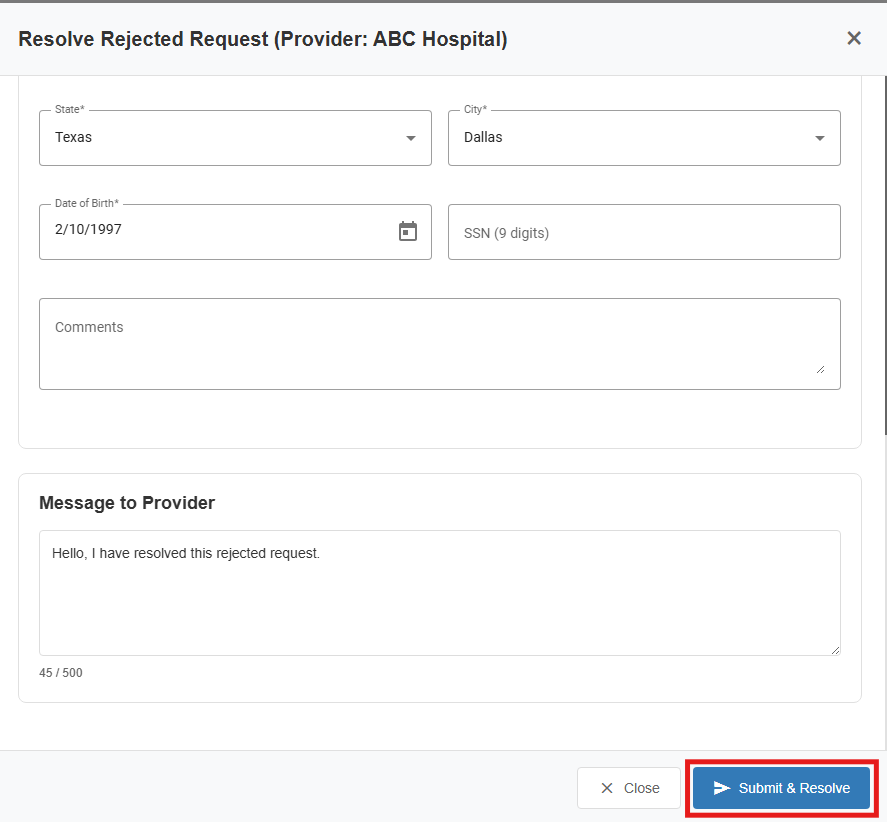
At the bottom of the pop‑up window, you may also add a message to the provider to explain the updates you made. Click Submit & Resolve, and your request will then be resubmitted.
If no action is taken for 30 days, the Request will be canceled and the HIPPA Compliant Digital Delivery fee will be forfeited.


