
Skip to content
You are using an unsupported browser. Please update your browser to the latest version on or before July 31, 2020.
You are viewing the article in preview mode. It is not live at the moment.
NOTICE: ChartX Customer Success will be closed November 26–27 for Thanksgiving and will return Monday, November 30. The ChartX portal will remain open and accessible. All support tickets will be addressed upon our return.
How do I add a User?

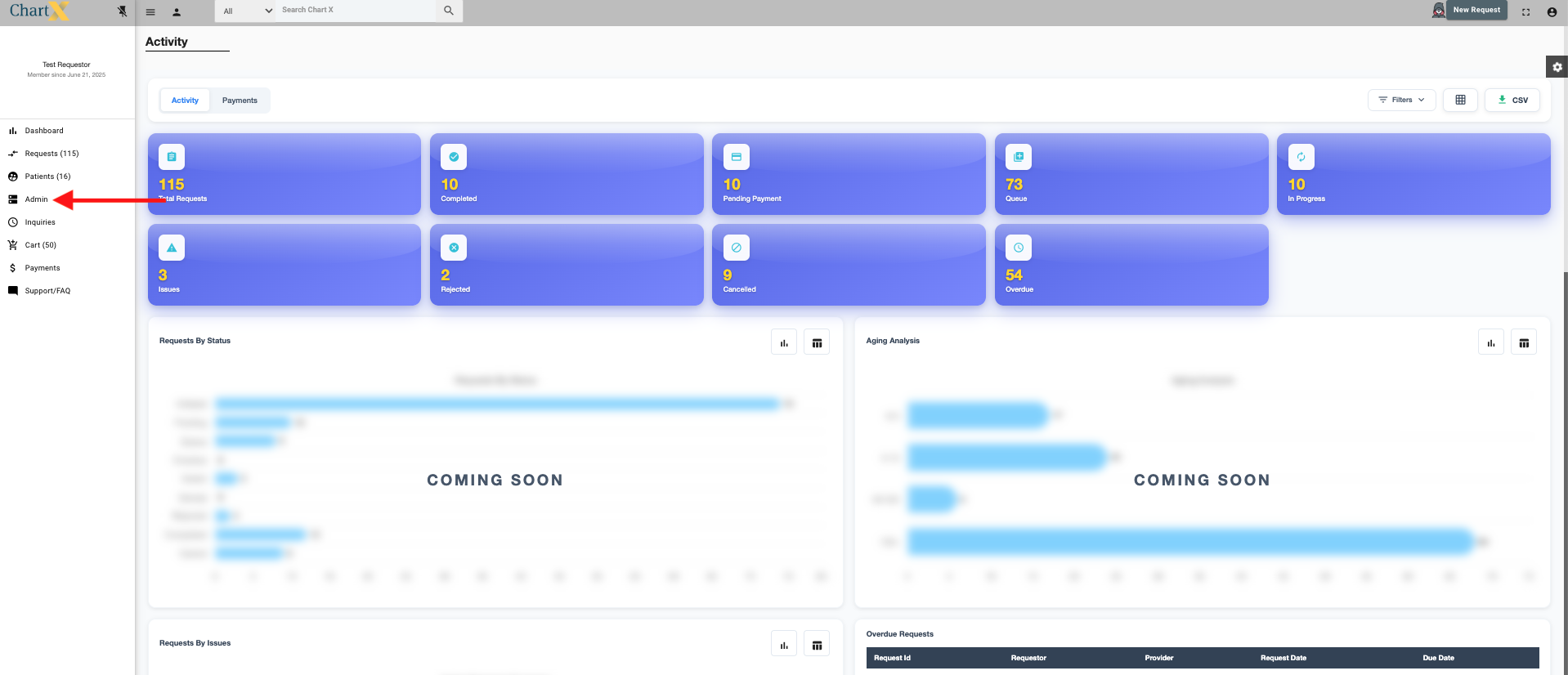
To add a user to your account, you must be logged in as an administrator. From the homepage, click Admin on the lefthand side of the screen.
 

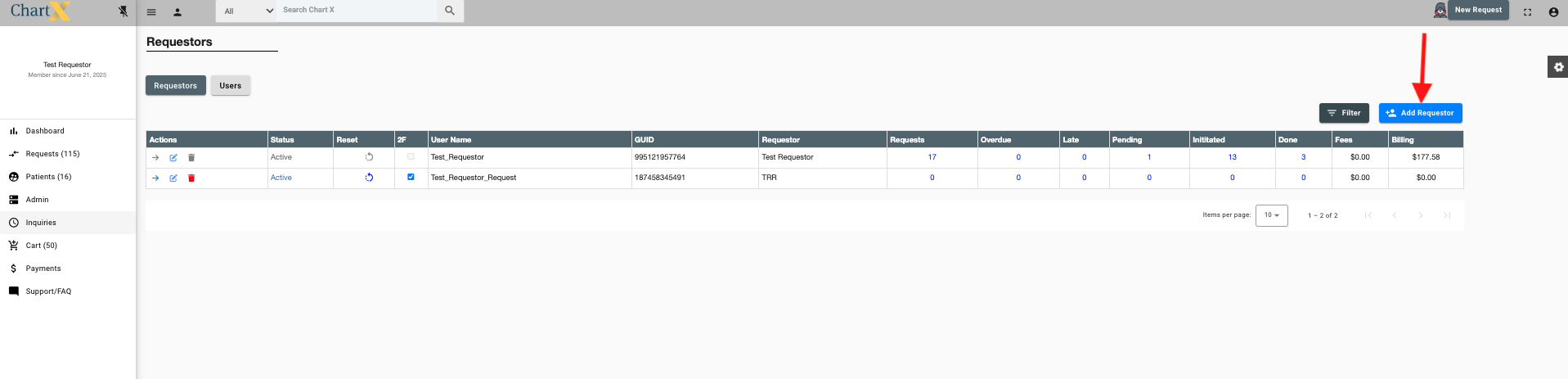
Click Add Requestor.
 

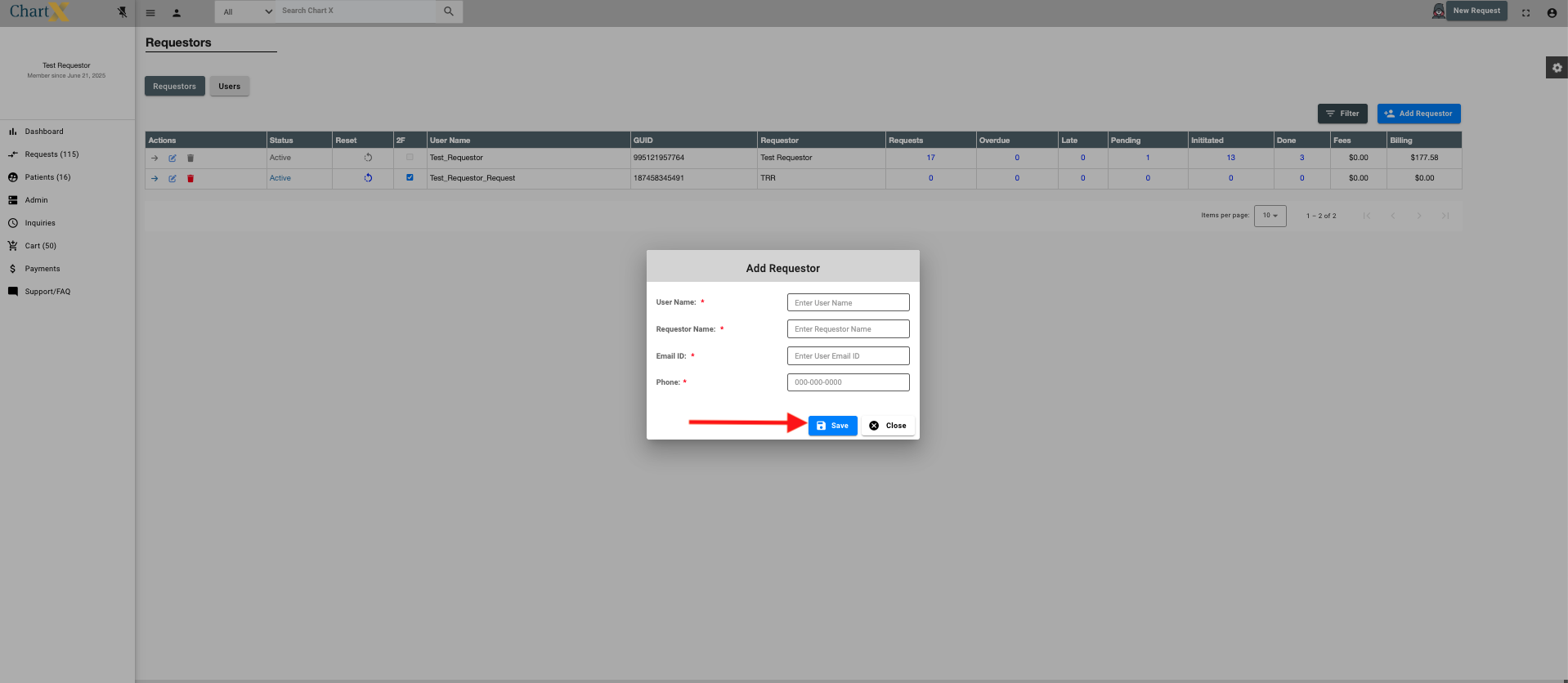
Complete the required field and click Save.
Feedback
0 out of 0 found this helpful